
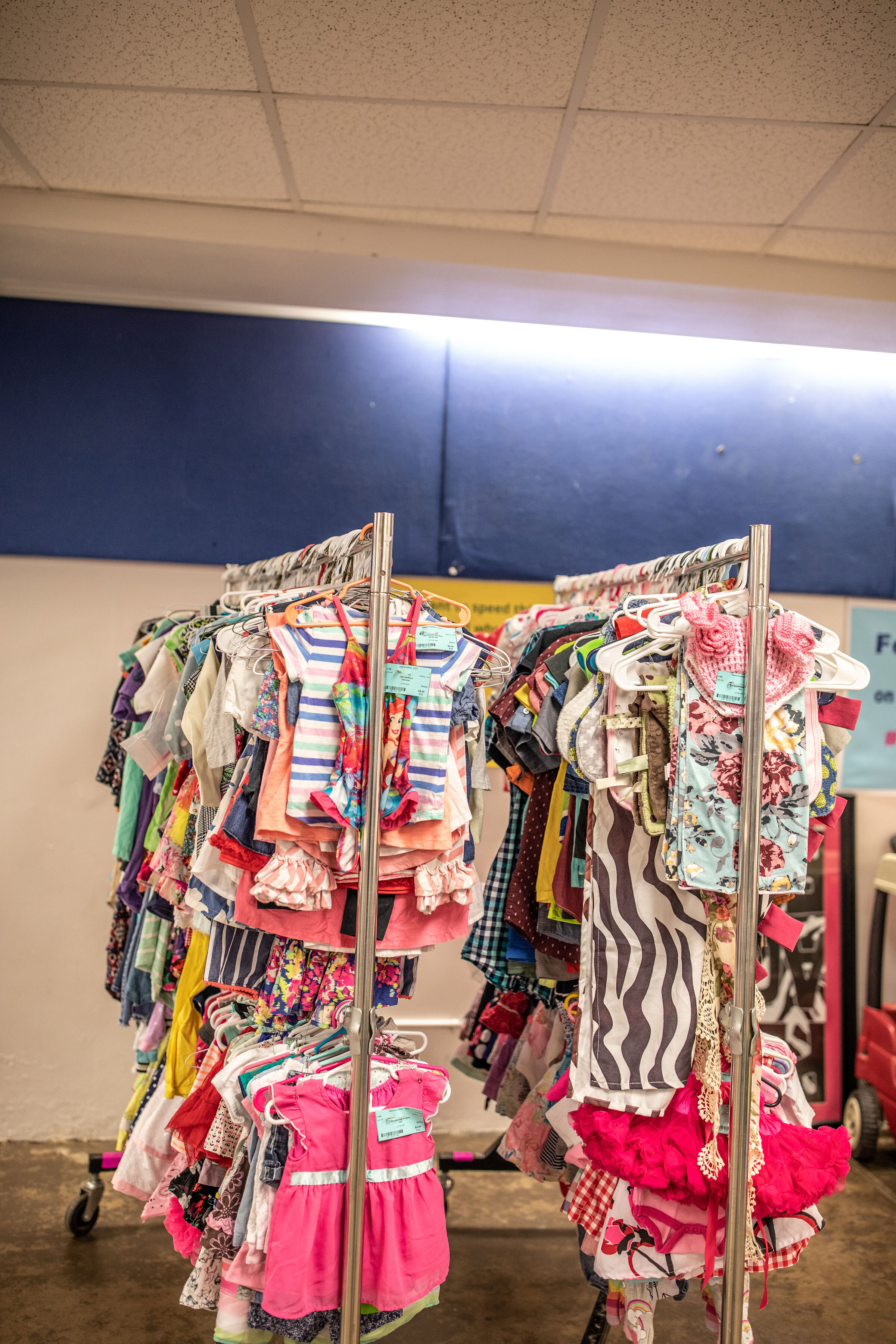
Entering Items
The information that you enter will print on your barcode tag. All info must be accurate. The tag must disclose all of the information so shoppers can make an informed decision. First LOGIN to your Consignor Homepage or click on “Consignor Login” at the top of any of our web pages.
Choose “My Homepage”
From drop down menu choose “Work with Consigned Inventory”
Choose “Add Items” and continue by following the prompts
Tagging Items
CATEGORY
Choose the correct category from the pull-down list for each item.
PRICE
There is a minimum price of $3. We suggest marking items 80–90% OFF of retail price. Due to the high volume of infant clothing sizes 0–12 months, we suggest that you consider pricing these sizes more competitively.
SIZING
When entering a numerical size for clothing and shoes, be sure the the size shown on the item matches what you enter for the barcode tag. Do not use small, medium, large, etc. for clothing and shoe sizes (with the exception of maternity clothing.) If the garment runs big or small, you may note that in the description. (i.e. runs small/fits like 6) If the clothing is labeled in a range (6-12 month, e.g.) tag accordingly. We recommend that you make note in the description if it runs big or small.
DISCOUNT
If you choose to discount items, they will be 25% and 50% off during the corresponding discount days. Items are more likely to sell if they are marked to be discounted. You may choose to discount all items or only selected items. Items marked as “Discount” will say “reduce” above the price on the tag.
DESCRIPTION
Every tag must have a DETAILED description when it is entered (e.g. Justice yellow shirt with pink flowers.)
Be specific! Start with the Brand and add details. Should your tag get separated from the item, the brand, description, category and size you enter will help us match the tag to your item so it can be sold! Items with lost or inaccurate tags will not be sold.
DONATE
When entering, all items marked as DONATE will automatically default to be DISCOUNTED. If you do not want your items to be discounted please make sure to update the setting manually by unchecking the appropriate box.
Donated status is indicated by a black dot that will print on the left side of the tag. You can choose to donate all unsold items or only selected items. Please note that items remaining at the end of pick up will be donated regardless of donate status on the tag.